If you have scrolled through Evetech, Wootware, or FirstShop lately planning a budget build or an upgrade for your PC rig, you have likely experienced a serious case of sticker shock.
For years, the standard rule of PC building in Mzansi was simple: memory was cheap, and as a new generation matured, old generations like DDR4 would dump down to bargain-bin clearance pricing.
That rule is dead.
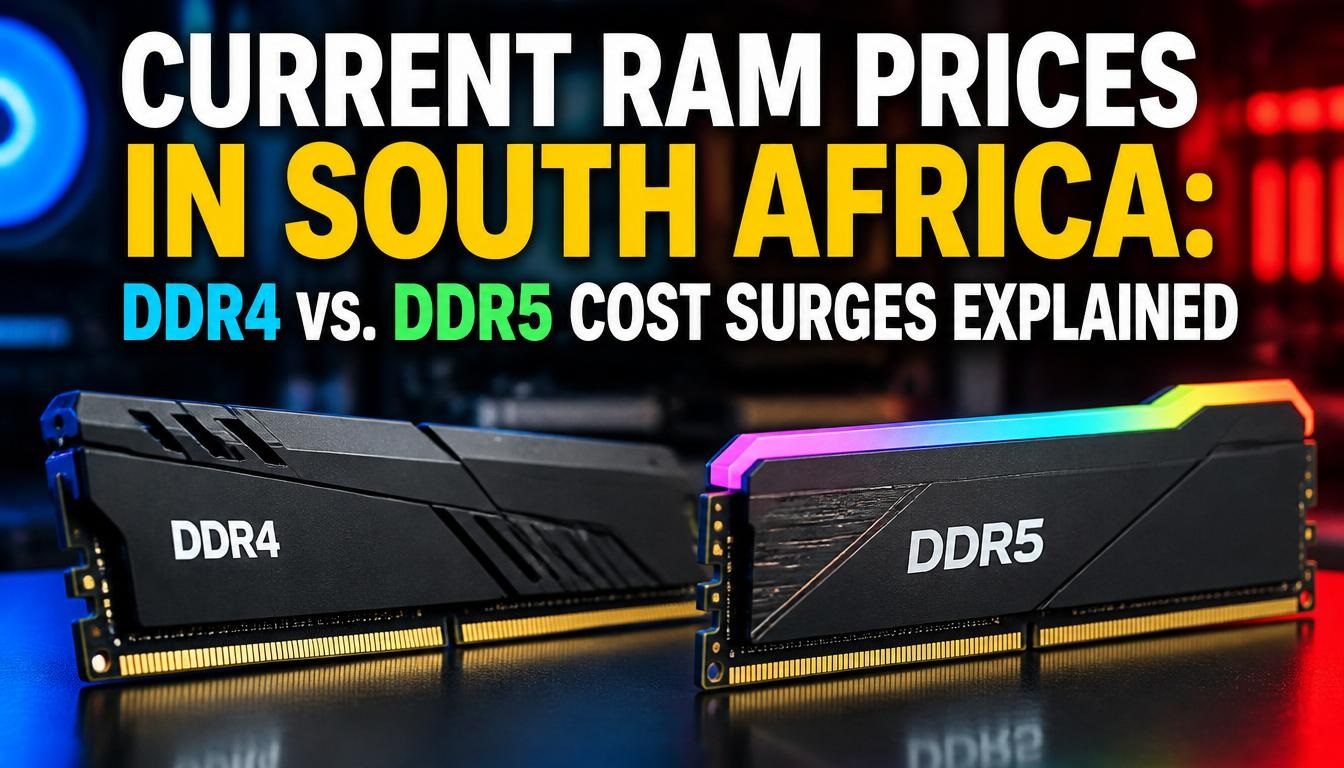
Over the past year, we have witnessed an unprecedented cost surge across memory kits. A solid 32GB DDR5-6000 MHz EXPO kit that sat around R1,950 to R2,200 in mid-2024 has soared toward R3,500 to R4,500+ depending on timings and RGB features. Meanwhile, budget builders hoping to hide out on legacy AM4 or Intel 12th-Gen DDR4 motherboards aren’t getting off scot-free either—16GB DDR4 kits that once cost under R800 are now stubbornly pushing past R1,500.
So, what on earth is going on? Why is system memory skyrocketing in South Africa, and how do you navigate buying RAM right now without overpaying? Let’s break down the local market dynamics, the real tech behind the price spikes, and actual ZAR pricing across key tiers.
The South African RAM Pricing Landscape (Real ZAR Costs)
Import duties, dynamic ZAR/USD exchange rates, and international freight costs mean local retailers often absorb global price swings with a 60-to-90-day lag. The price tags you see on local shelves reflect global supply contracts signed earlier in the year.
Here is what you can expect to pay across major South African hardware retailers (Evetech, Wootware, Dreamware Tech, FirstShop) for popular desktop memory configurations:
| RAM Tier & Spec | Mid-2024 Price | Mid-2025 Price | Current Local Retail Price (ZAR) | Primary Market Trend |
| 8GB DDR4 3200MHz (Single Stick) | R380 – R450 | R550 – R700 | R1,100 – R1,599 | EOL Production Squeeze |
| 16GB (2x8GB) DDR4 3600MHz | R750 – R900 | R1,050 – R1,300 | R2,200 – R2,699 | Severe Cost Increase (+120%) |
| 32GB (2x16GB) DDR4 3600MHz | R1,400 – R1,650 | R1,900 – R2,200 | R3,600 – R4,500 | Depleted Wafer Allocation |
| 16GB (1x16GB) DDR5 5600MHz | R1,150 – R1,350 | R1,450 – R1,800 | R2,699 – R3,999 | Broad Adoption Surge |
| 32GB (2x16GB) DDR5 6000MHz CL30 | R1,950 – R2,300 | R2,400 – R2,900 | R3,500 – R4,999 | Sweet Spot / High Demand |
| 64GB (2x32GB) DDR5 6000MHz CL30 | R3,800 – R4,200 | R4,700 – R5,500 | R7,500 – R9,500+ | Extreme Premium Segment |
Pro Tip for Local Buyers: If you are building an AMD Ryzen 7000 or 9000 series rig, do not compromise on speed latency just to save R300. The performance penalty on Zen 4 / Zen 5 architectures when dropping below 6000MHz CL30 isn’t worth the tiny cost difference.
Why Are Memory Prices Surging? The Global Factors Hitting Mzansi
To understand why a stick of RAM in Midrand or Cape Town costs vastly more than it did two years ago, you have to look at the three major silicon fabricators: Samsung, SK Hynix, and Micron.
1. The High-Bandwidth Memory (HBM) AI Pivot
Artificial Intelligence infrastructure requires massive amounts of HBM (High-Bandwidth Memory) stacks for enterprise GPUs like NVIDIA’s Blackwell and AMD’s Instinct chips.
Fabricating HBM3e and HBM4 silicon requires significantly more wafer area and lower yields than consumer DDR5. Because HBM carries a profit margin far higher than consumer RAM, memory manufacturers have actively reallocated silicon production capacity away from standard DDR modules. Fewer silicon wafers dedicated to desktop/laptop memory equals restricted global supply and skyrocketing retail prices.
2. The DDR4 “End-Of-Life” Supply Trap
In previous memory transitions (like DDR3 to DDR4), older RAM got dirt cheap as factories cleared out excess stock. This time, the opposite happened.
Major DRAM makers drastically cut DDR4 wafer allocation to force a transition to DDR5 or HBM lines. However, millions of PCs worldwide—and especially budget setups across South Africa—still run on DDR4 (AM4 Ryzen 3000/5000, Intel 10th-12th gen). High legacy demand paired with shrinking factory production has created a textbook supply shortage, driving DDR4 prices up faster on a percentage basis than DDR5.
3. ZAR Volatility and Local Importer Risk
South African tech distributors purchase inventory in US Dollars (USD). When the Rand fluctuates against the Greenback, local suppliers price in exchange-rate risk to avoid losing money on long-tail stock imports. When you combine high global spot DRAM prices with Rand depreciation and shipping tariffs, the final retail cost at checkout gets inflated.
DDR4 vs. DDR5: Which Should You Buy?
If you are planning a new build or looking to breathe fresh life into an existing system, your decision tree comes down to a few straightforward choices:
1. Are you building a brand new system?
-
Decision: Build with DDR5.
-
Platforms: AMD Socket AM5 or Intel Arrow Lake.
-
Recommended Spec: 32GB (2x16GB) DDR5 6000MHz CL30.
-
Why: Building a brand new DDR4 system today to “save money” is a trap. Because DDR4 memory prices have risen so sharply, the total savings of choosing a DDR4 motherboard and kit over a DDR5 entry-level platform often amounts to less than R1,000–R1,500. For that minimal saving, you lock yourself out of future CPU upgrades.
2. Are you upgrading an existing DDR4 platform (AM4 / LGA 1200 / LGA 1700)?
-
Decision: Upgrade your existing DDR4 only if adding RAM is strictly needed.
-
Strategy: Look at local second-hand marketplaces (Carbonite, Takealot marketplace clearance, or trusted local hardware forums) for used DDR4 kits. Many gamers upgrading to DDR5 dump perfectly functional DDR4 3200MHz/3600MHz modules for reasonable prices.
3. Are you starting fresh on an older platform?
-
Decision: Reconsider and sell your old platform components to transition directly to DDR5, rather than sinking fresh retail money into end-of-life DDR4 stock.
What Should You Do Right Now?
-
Don’t wait for prices to drop soon: Global DRAM wafer allocation isn’t shifting back to consumer memory overnight. Waiting 6 months is more likely to result in higher prices than significant drops.
-
Buy dual-channel kits (2x16GB rather than 1x32GB): Memory controllers rely on dual-channel bandwidth to run efficiently. Running single-channel RAM cuts memory bandwidth in half, destroying frame rates in CPU-bound games.
-
Verify EXPO/XMP compatibility: Ensure the kit you buy explicitly states AMD EXPO for Ryzen builds or Intel XMP 3.0 for Intel setups to guarantee advertised speeds with a single BIOS click.
Join the Discussion: What Is Your Upgrade Plan?
We want to hear from local gamers and builders across South Africa:
-
How are these memory price surges impacting your current PC building or upgrade plans?
-
Are you staying on DDR4 for as long as possible, or making the leap to DDR5 despite the higher entry cost?
Drop your thoughts, current specs, and questions in the comments section below!

Joseph Mathebula is a consumer analyst and market researcher at Prices in South Africa. He specializes in tracking local service costs, retail pricing, and travel budgets, helping everyday shoppers navigate the market to secure the best value.