Quick Overview
Estimated Average Price Range: R1,050 to R3,400 (HDDs) | R1,550 to R13,000+ (SSDs)
Primary Value/Cost Factor: Drive Architecture (Mechanical HDD vs. High-Speed NVMe SSD) & Capacities (1TB to 4TB)
Recommended Retailers: Takealot, Makro, Incredible Connection, Evetech, Wootware
Bottom-Line Verdict: Opt for a 1TB–2TB Mechanical HDD if you need budget-friendly bulk file storage or routine backups. Invest in a Portable SSD if you stream high-bitrate 4K media, run gaming libraries directly off the drive, or frequently edit video on the go.
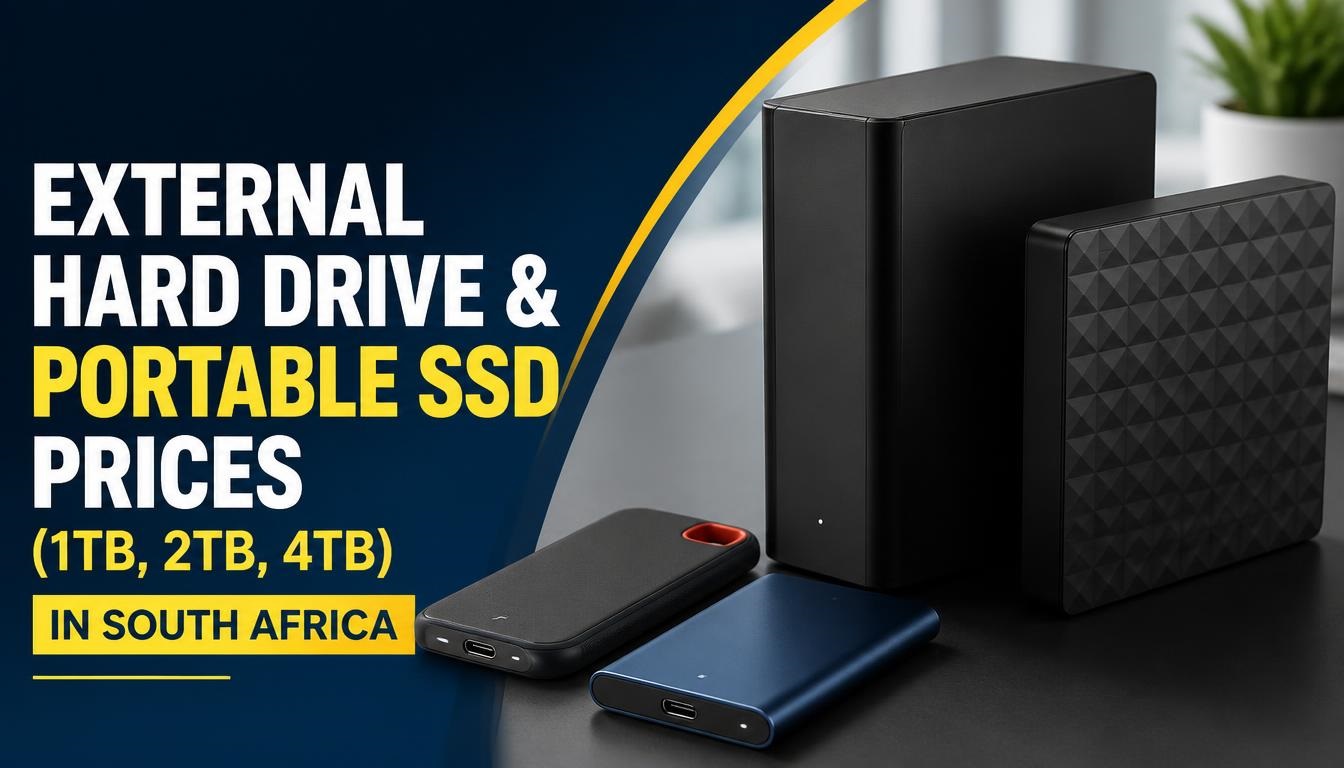
Data storage requirements across South Africa have evolved rapidly as high-resolution video production, massive modern gaming installations, and remote hybrid work demand reliable, high-capacity portable storage. Choosing between a traditional spinning External Hard Disk Drive (HDD) and a high-performance Solid-State Drive (SSD) involves balancing transfer speeds, long-term physical durability, and price per gigabyte.
While traditional external HDDs offer cost-effective bulk storage for personal photos, desktop archives, and system backups, portable SSDs deliver read/write speeds upwards of 1,000 MB/s to 2,000 MB/s. These performance levels are essential for editing 4K video directly off the drive or minimizing loading screens on PlayStation 5 and Xbox Series X consoles.
Understanding current pricing across major local retailers allows you to avoid overpaying for unnecessary performance or purchasing under-spec drives that bottleneck your workflow.
Detailed Market Price Comparison (1TB, 2TB, 4TB)
Pricing for external storage devices in South Africa fluctuates based on international flash memory supply chains, local import duties, and exchange rate shifts. Below is an overview of baseline retail prices for standard USB 3.2 External Hard Drives and high-speed Portable SSDs in the local market.
| Storage Capacity | Drive Type | Average Price Range (ZAR) | Typical Read Speed Range | Primary Best-Use Scenario |
| 1TB Capacity | Mechanical HDD | R1,050 – R1,350 | 100 MB/s – 140 MB/s | Basic document backup, music, photo archives |
| 1TB Capacity | Portable SSD | R1,550 – R2,800 | 800 MB/s – 1,050 MB/s | On-the-go video editing, rapid photo transfers |
| 2TB Capacity | Mechanical HDD | R1,650 – R2,200 | 110 MB/s – 140 MB/s | Media server expansion, local desktop backups |
| 2TB Capacity | Portable SSD | R2,700 – R4,500 | 1,000 MB/s – 2,000 MB/s | Expanding PS5/Xbox game storage, active work drives |
| 4TB Capacity | Mechanical HDD | R2,600 – R3,600 | 120 MB/s – 150 MB/s | Full system disk images, massive raw video archives |
| 4TB Capacity | Portable SSD | R6,500 – R13,000+ | 1,050 MB/s – 2,000 MB/s | Professional 4K/8K media production, enterprise data |
Real-World Field Testing & Consumer Field Notes
Standard manufacturer speed claims reflect best-case benchmark lab scenarios that do not always match real-world daily use in South Africa. Local environmental and operational factors alter practical performance:
-
Sustained Transfer Throttling: Compact NVMe-based portable SSDs (such as the SanDisk Extreme or Crucial X8) feature small aluminium or silicone thermal envelopes. During massive sustained transfers—such as copying a 120GB video folder—the drive’s internal cache may fill up, temporarily reducing write speeds from 1,000 MB/s down to 300 MB/s to manage heat build-up.
-
Vibration and Mechanical Wear: Traditional external HDDs rely on physical platters spinning at 5,400 RPM with delicate read/write heads. Dropping an active HDD from a desk onto a tiled floor often causes instant mechanical failure. Portable SSDs use non-volatile flash memory with no moving parts, making them far more resilient against accidental drops, vehicle vibrations, and daily transit in a backpack.
-
Load Shedding Data Corruption: Sudden power drops caused by load shedding or tripped circuit breakers pose a risk to external drives. If an external HDD is actively writing data when power cuts, file table corruption can occur. Keeping critical drives connected through a UPS-backed workstation or using portable SSDs—which flush cache data faster—minimizes unexpected data loss.
-
Port Compatibility Bottlenecks: Connecting a high-speed USB 3.2 Gen 2×2 SSD (capable of 2,000 MB/s) to an older USB 3.0 Type-A port caps your actual transfer speed at approximately 450 MB/s. Ensure your laptop or desktop host port matches the rated speed of the drive you purchase.
Retailer Landscape and Procurement Options
Choosing the right local outlet impacts overall purchase value, warranty handling, and delivery convenience:
-
Takealot: Offers the widest selection of brands (Western Digital, Seagate, SanDisk, Samsung, Transcend, Hiksemi, Kioxia) with competitive promotional deals during daily drops and clearance sales. Their standard 30-day hassle-free return policy makes resolving DOA (dead-on-arrival) drives easy.
-
Makro & Game: Excellent for purchasing mainstream 1TB and 2TB external mechanical hard drives off the shelf. While their selection of specialized extreme-speed SSDs is smaller, bulk promotional bundles (e.g., HDD bundled with a protective sleeve or flash drive) offer high value.
-
Specialist Tech Retailers (Wootware, Evetech, Rebel Tech): Ideal for power users, videographers, and gamers seeking high-spec external NVMe SSDs or ruggedized drives. They provide precise technical specs, accurate controller details, and reliable manufacturer warranty support.
-
Incredible Connection & Computer Mania: Physical retail outlets located across major malls nationwide. While off-the-shelf prices run slightly higher than online-only stores, they provide immediate emergency replacement drives when a backup is required on short notice.
Cost-Efficiency and Technical Evaluation
When evaluating value beyond the initial price tag, several core factors determine whether a specific drive model suits your setup.
Drive Architecture: HDD vs. SSD
Traditional HDDs remain unmatched in cost-per-gigabyte for stationary backups, surveillance storage, and archival folders where files are written once and accessed infrequently. However, SSDs are up to 10 to 15 times faster, draw less power from host laptops, operate silently, and offer superior physical drop resistance.
Interface and Cable Protocols
Modern portable drives come standard with USB-C, USB-A, or dual-adapter cables. Check whether your drive uses a native USB-C interface (USB 3.2 Gen 2 or Thunderbolt 4) or an older Micro-B USB connector common on legacy mechanical drives. Native USB-C connections ensure fast, reliable connectivity with recent MacBooks, modern Windows ultrabooks, iPad Pros, and Android devices.
Local Import Taxation and Warranty Protections
Storage products imported into South Africa carry standard 15% VAT alongside hardware import tariffs that affect final retail pricing. Always purchase through authorized South African distributors to secure valid manufacturer warranties (typically ranging from 2 years for budget HDDs up to 5 years for premium portable SSDs). Grey-import gray-market drives bought overseas often lack local RMA repair or replacement support.
Frequently Asked Questions
Can I run PlayStation 5 or Xbox Series X games directly from an external hard drive?
You can store PS5 and Xbox Series X/S native games on an external USB HDD or SSD, but you cannot play current-generation titles directly from them due to memory speed requirements. You must copy the game files back to the console’s internal high-speed storage to play. However, legacy PlayStation 4 and Xbox One games can be played directly from an external drive.
Why does my 1TB or 2TB external drive show less storage space when plugged into my computer?
This discrepancy stems from how storage is calculated. Drive manufacturers measure 1TB using decimal notation (1,000,000,000,000 bytes), whereas operating systems like Windows calculate storage using binary notation (Gibibytes), where 1KB equals 1024 bytes. As a result, a formatted 1TB drive displays around 931GB of usable space in Windows, while a 2TB drive displays approximately 1.86TB.
Is an external SSD worth the higher price over a traditional external HDD?
If your daily routine involves moving large file folders, running software programs off the drive, editing video footage, or working on location, the time saved by an SSD justifies the extra cost. If your goal is simply backing up family photos or storing archive documents once a month, a standard external mechanical hard drive offers far more capacity per Rand spent.
What happens to my external drive during sudden power outages or load shedding?
If a drive is actively writing data during a power failure, it risks file corruption or loss of the master file table. While portable SSDs feature fast write cycles that lower exposure windows, always use the “Safely Remove Hardware” or “Eject” option in your OS before disconnecting a drive, and plug desktop-class storage into a surge protector or UPS.
Are external hard drives pre-formatted to work with both Windows PCs and Apple Macs?
Most drives come pre-formatted in exFAT or NTFS out of the box. The exFAT file system works seamlessly for reading and writing across both Windows and macOS natively. Drives formatted in NTFS allow full read/write access on Windows, but are read-only on macOS unless you reformat the drive or install third-party NTFS driver software.
Disclaimer: Prices listed in this guide are estimates based on average South African market rates at the time of publication and are subject to change without notice. Always verify final pricing with official providers or retailers before making purchase decisions.
Finding the right external storage device depends on balancing your budget against required transfer speed and total capacity. Taking time to map out whether your workload requires the sheer speed and durability of a portable SSD or the cost-effective bulk capacity of a traditional mechanical HDD prevents buyer’s remorse down the line.
What external drive setup are you using for your work or gaming rig in South Africa? Have you spotted a great deal at a local retailer recently? Share your experiences, post your questions, or request specific retailer comparisons in the comments below!

Joseph Mathebula is a consumer analyst and market researcher at Prices in South Africa. He specializes in tracking local service costs, retail pricing, and travel budgets, helping everyday shoppers navigate the market to secure the best value.